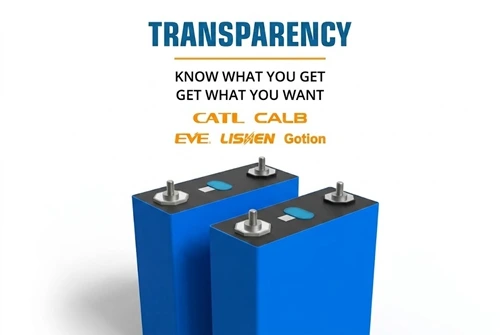
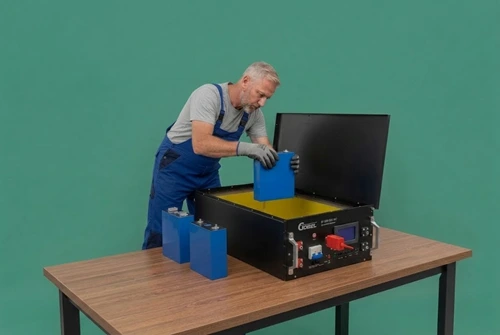
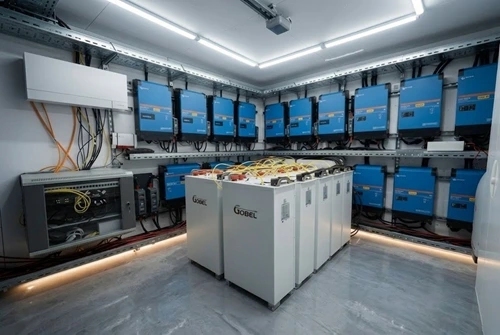
 Europe Warehouse Stock

JK-BMS Force Upgrade Code Generator Beta
JK BMS Force Upgrade Code & Dynamic Key Generator
Calculate the official real-time JK BMS Authorization Code required for performing a JK BMS Force Updating, recovering JK BMS Firmware Code images, or verifying privileged administrative settings in the PC software tool.
Dynamic Password Security
The official PC host software relies on a time-based JK BMS Dynamic Key algorithm to restrict forced firmware operations and prevent unauthorized parameter flashing.
- Strictly valid for 1 hour according to UTC time.
- Serves as the master JK BMS Authorization Code.
- Required when entering forced update mode.
Force Updating & Recovery
When standard OTA updates fail or a controller is unbootable, a JK BMS Force Updating procedure via USB-RS485 cable re-establishes communication and flashes fresh microcode.
- Bypasses standard software version locks.
- Allows flashing compatible JK BMS Firmware Code binaries.
- Requires the hourly JK BMS Force Upgrade Code.
Privacy Uploading & Authentication
PC host utilities and JK BMS Privacy Uploading features require authorization to stream device status logs and process manufacturer repair operations.
- Accepted as the JK BMS Upgrade Password in PC tools.
- Unlocks administrative logging telemetry.
- Valid across standard and inverter BMS series.
Frequently Asked Questions
 01
Home batteries
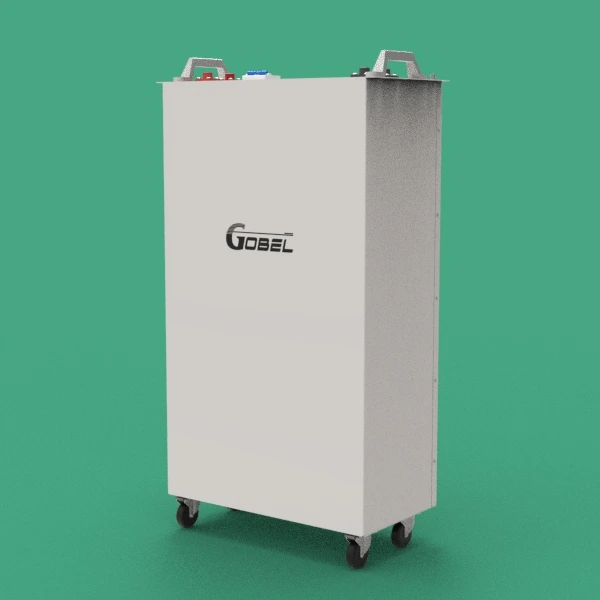
5 to 32 kWh at 51.2 V, 48 V class. Wall, rack, cabinet or outdoor — 16 kWh in all four.
Explore
 02
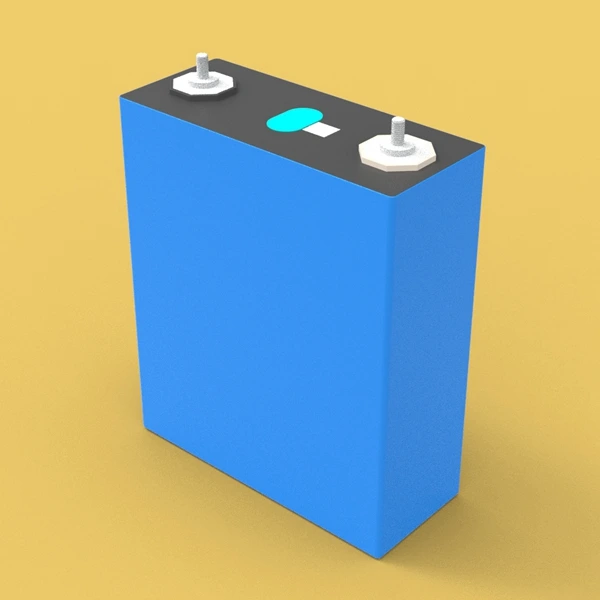
LiFePO4 cells
Grade A- to A+, QR intact, factory test report for every single cell.
Explore
 03
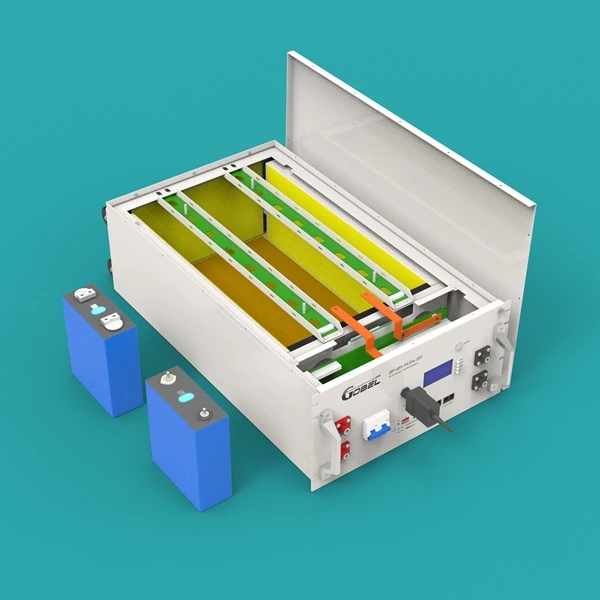
DIY kits
Solar battery kits: case, cells and BMS matched before it ships. Rack, modular or high voltage.
Explore
 04
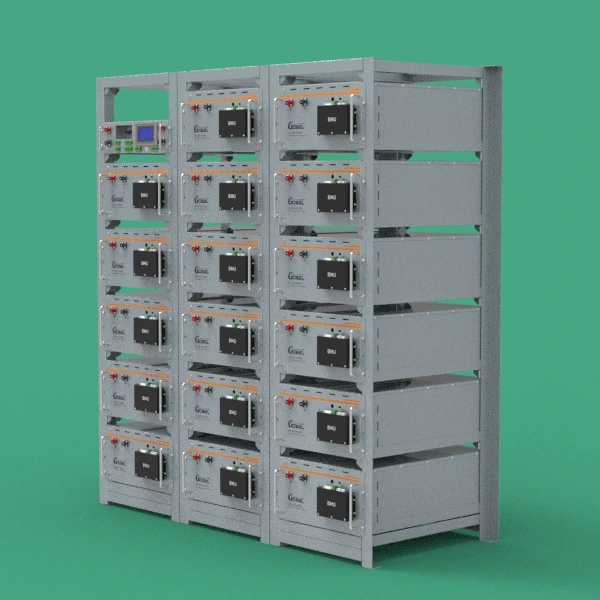
Commercial storage
Three-phase cabinets and containers, 192 to 512 V, up to 270 kWh per system.
Explore
Software · free to use
Gobel VRM: the whole bank on one screen.
One WiFi module on the master pack reads the whole bank — state of charge, cell voltages, temperatures, cycles and alarms — in a browser or on a phone. No subscription, no per-pack fee.
No subscriptionPACE or JK BMSOne module per bank
Compatible monitoring hardware required. Check your BMS and connection before ordering.
From your battery to your browser
- State of charge
- Cell voltages
- Temperatures
- Alarms and cycles
Diagram, not a live dashboard. Available values depend on the connected system.
Gobel Battery Passport
Tested cell by cell. Proven pack by pack.
Every cell is graded before it goes into a case — capacity, OCV, internal resistance, thickness — and every finished pack then runs a full charge and discharge cycle on the bench. Both sets of numbers are published to that pack's own page. Scan the QR on the case and it opens, no login and no request to sales.
-
01
Grading
Capacity, voltage, internal resistance and thickness logged against every cell code. Off spec never reaches a pack.
-
02
Assembly
Matched cells go into the case, the BMS is fitted and every wire is checked off before the lid closes.
-
03
Full cycle
Charge, discharge, record. A pack that cannot hold its rated capacity on the bench is never boxed.
-
04
Passport
Both test layers published to a public page keyed to the pack's serial number.
Look one up before you buy — every passport page is public, no login. Gobel Battery Passport →