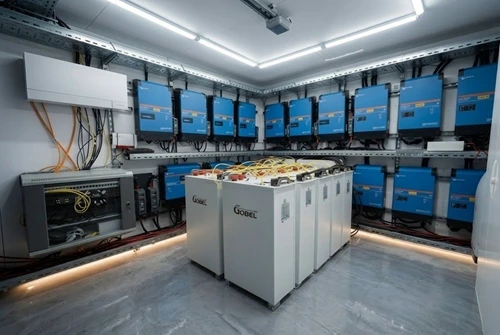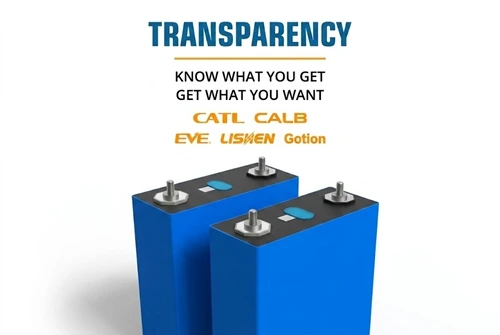
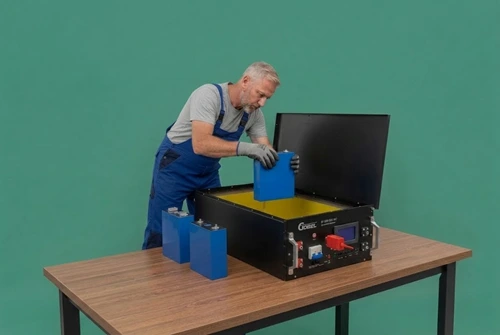

Tested Before Shipping. Backed by Real Data.
Happy New Year! EU warehouse shipping as normal.

Home

Contact Us

Reseller Program

JK-BMS Force Upgrade Code Generator Beta

BETA
UTC Real-Time Synchronized

JK BMS Force Upgrade Code & Dynamic Key Generator

Calculate the official real-time JK BMS Authorization Code required for performing a JK BMS Force Updating, recovering JK BMS Firmware Code images, or verifying privileged administrative settings in the PC software tool.

Important Notice & Risk Disclaimer

  • High Risk Warning: Executing a JK BMS Force Updating or writing unverified JK BMS Firmware Code binaries carries significant risk of hardware bricking or battery protection malfunction. Please ensure you fully understand the flash procedure before entering any password.
  • No Responsibility Disclaimer: This generator tool is provided strictly for recovery reference. We assume no responsibility or liability for any hardware bricking, battery shutdown, or damage resulting from the use of this JK BMS Force Update Password.
  • 1-Hour Expiration: Every calculated JK BMS Dynamic Key or JK BMS Upgrade Password is generated based on UTC time and remains strictly valid for 1 hour (refreshes at 00 minutes UTC).
Current JK BMS Force Upgrade Code
16092014
UTC: 2026-09-11 04:50:45 UTC
Expires in: --:--

Dynamic Password Security

The official PC host software relies on a time-based JK BMS Dynamic Key algorithm to restrict forced firmware operations and prevent unauthorized parameter flashing.

  • Strictly valid for 1 hour according to UTC time.
  • Serves as the master JK BMS Authorization Code.
  • Required when entering forced update mode.

Force Updating & Recovery

When standard OTA updates fail or a controller is unbootable, a JK BMS Force Updating procedure via USB-RS485 cable re-establishes communication and flashes fresh microcode.

  • Bypasses standard software version locks.
  • Allows flashing compatible JK BMS Firmware Code binaries.
  • Requires the hourly JK BMS Force Upgrade Code.

Privacy Uploading & Authentication

PC host utilities and JK BMS Privacy Uploading features require authorization to stream device status logs and process manufacturer repair operations.

  • Accepted as the JK BMS Upgrade Password in PC tools.
  • Unlocks administrative logging telemetry.
  • Valid across standard and inverter BMS series.

Frequently Asked Questions
How long is each generated code valid for?
Every JK BMS Upgrade Password or JK BMS Dynamic Key generated by this tool is strictly valid for 1 hour. The key changes automatically on the hour UTC (e.g. from 14:59 to 15:00 UTC).
What risks are involved during a JK BMS Force Updating procedure?
Force updating can permanently damage or brick the battery management system if serial communication drops during flashing or if incorrect firmware files are selected. We offer this tool for emergency recovery assistance and assume no responsibility for hardware bricking or post-upgrade issues.
Why does the application reject the authorization password?
Rejection occurs if your local device clock differs from true UTC time or if the hour has crossed over during entry. Make sure you enter the code matching the current UTC hour or use the manual selector to match your target time window.
How do I enter the password for firmware updates or privacy uploading?
Open the PC software on your computer, connect the BMS to your PC using a USB-to-RS485 adapter cable, and select the corresponding COM port. When prompted for JK BMS Privacy Uploading or forced firmware flashes, paste the calculated JK BMS Force Update Password and proceed with selecting your target file.
Where can I download verified JK BMS firmware packages?
You can download official firmware binaries for JK inverter BMS and standard models at our JK BMS Firmware Download Center.
Code copied to clipboard!
Home >>  JK-BMS Force Upgrade Code Generator Beta
Ask Gobel AI